You scrub the pool, run the pump, balance the chemicals, and everything looks clear. Then, just a few days later, the water turns green again.
This is a frustrating situation that many pool owners encounter, especially during the warmer months when algae grow more rapidly. It can feel like no matter how much effort you put in, the green water keeps coming back.
If this keeps happening, the cause is likely more than just surface dirt. While cleaning and adding chemicals are essential steps, they are only part of the bigger picture. Consistent pool maintenance is what keeps the water clean and clear.
This includes regular testing, maintaining the filter in good condition, and ensuring that water flows properly through the system.
Let’s discuss a few common reasons your pool might keep turning green and what you can do to solve the problem and maintain clear water.
-
Chlorine Levels Keep Dropping:
Chlorine is your pool’s primary defense against algae and bacteria. If the chlorine level dips too low, even for a short time, algae can multiply.
This is especially common in Texas, where the heat and sun break down chlorine more quickly. Pool water may look clear right after cleaning, but without sufficient chlorine, it turns green again within just a few days.
-
Chemical Balance Is Off:
Even if you add enough chlorine, it won’t work correctly if the water chemistry is off. High or low pH levels can weaken chlorine’s strength. The same goes for alkalinity and stabilizer levels.
These all work together to help keep the water clear. If your pool keeps turning green, it’s a good idea to test and adjust the full chemical range, not just chlorine.
-
Filter Isn’t Doing Its Job:
A clean and working filter is essential. If your filter is dirty, clogged, or not running long enough, it won’t remove debris or algae properly. Some green pools are the result of a good cleaning job followed by a filter that can’t keep up.
Be sure to clean the filter and run it for a sufficient amount of time to accommodate the size of your pool.
-
Missed Spots During Cleaning:
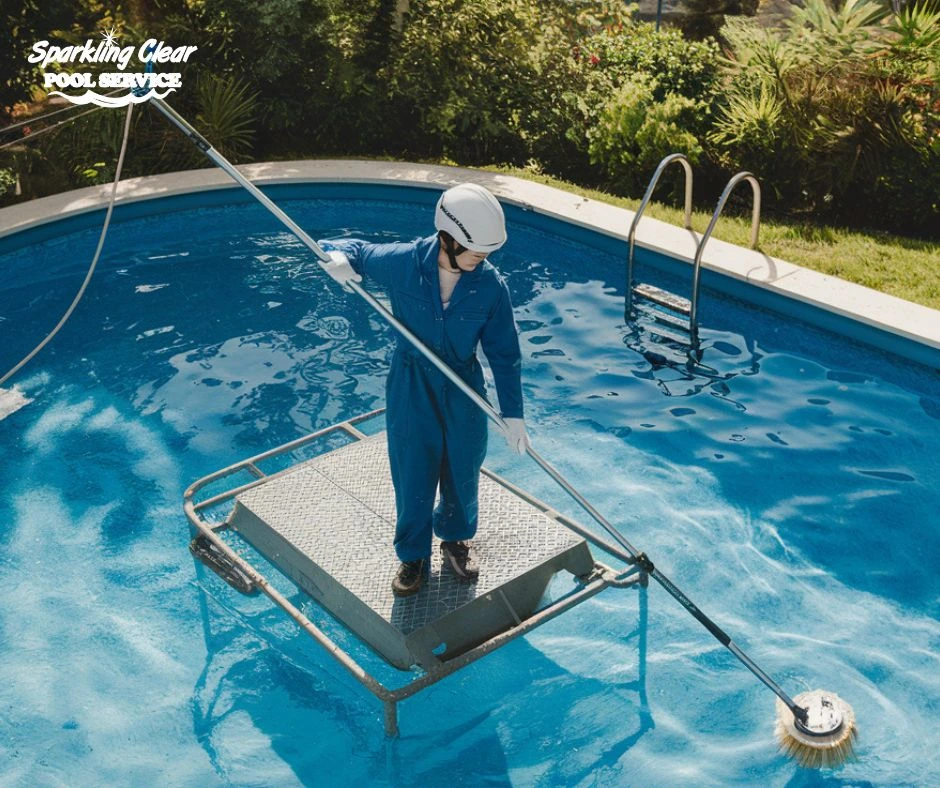
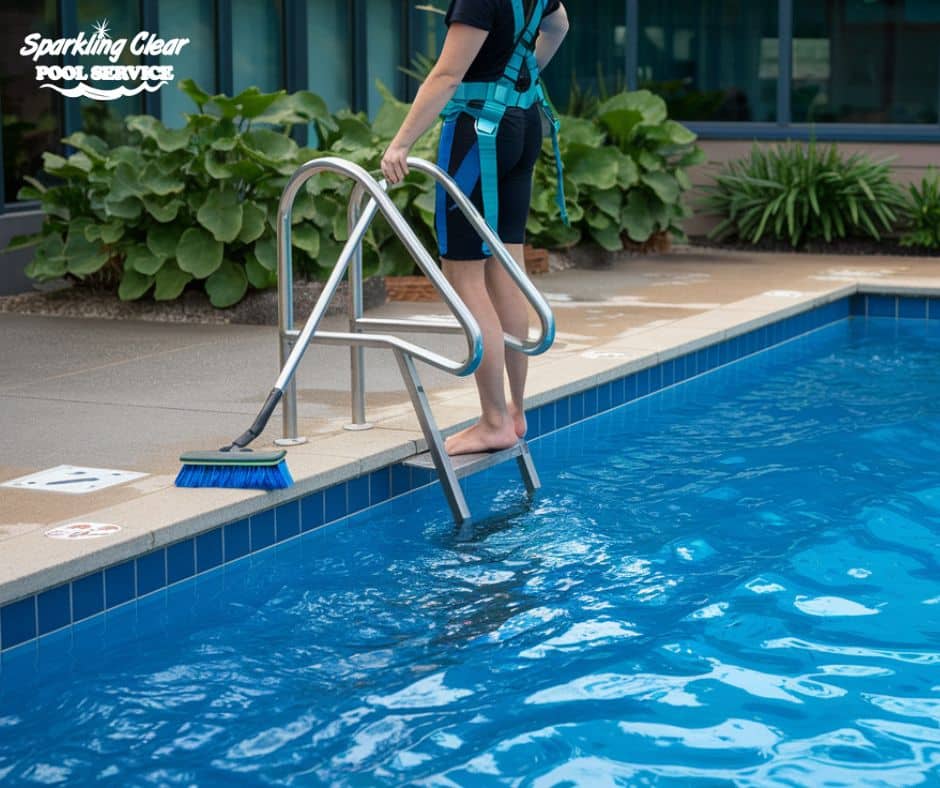
It’s easy to overlook small corners, steps, or behind ladders during a cleaning session. Algae only need a small space to take hold, and from there, they can spread back into the pool.
If your cleaning routine isn’t reaching every area, green water will continue to return. Use a brush that fits tight spaces, and take your time in those often-missed areas.
-
Phosphates Feeding Algae Growth:
Phosphates are found in leaves, grass, body oils, and even city water. They’re a significant food source for algae. When phosphate levels are high, algae can proliferate, even if your chlorine levels seem fine. If green water keeps returning, it’s worth testing for phosphates and treating the water to reduce them.
-
Rain and Wind Bring Contaminants:
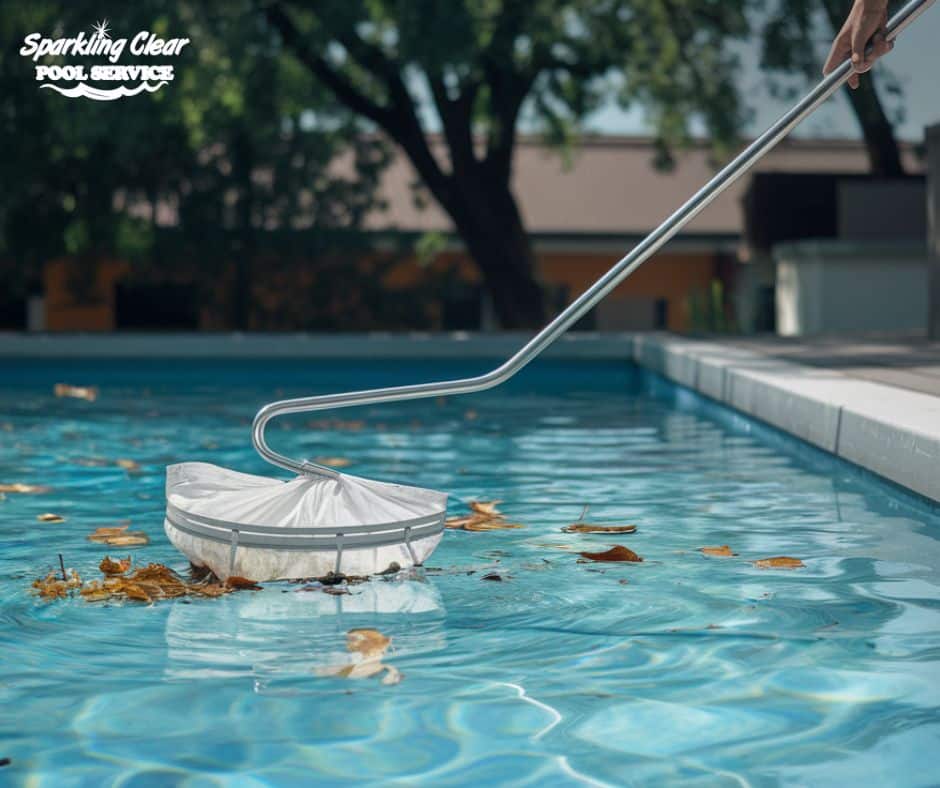
Texas weather often brings rain, pollen, and dust into pools. Rainwater can lower your pool’s chlorine level while adding organic material that feeds algae. The wind blows in leaves and dirt that throw off the water balance. After a storm, your pool may appear okay at first, but algae can bloom within days if you don’t test and adjust the water promptly.
-
Weak Circulation:
Circulation helps chemicals reach every part of the pool and keeps water from getting stagnant. If your pump doesn’t run long enough, or if the return jets are misaligned, some areas won’t receive proper cleaning or chlorination. Those still areas are where algae tend to grow first. Ensure your pump runs for a sufficient number of hours and that the water flows evenly.
-
Not Enough Ongoing Maintenance:
One-time cleaning isn’t enough to prevent algae. Especially in the summer, your pool requires regular maintenance that includes brushing, chemical testing, filter cleaning, and water testing. Even if your pool appears clean, skipping routine care can allow green water to return without warning. Keeping a schedule is key to avoiding repeat problems.
Keep Green Water Away with the Help of Sparkling Clear Pool Service
If you’re tired of cleaning your pool only to see the green water return, the real fix usually comes from steady, consistent maintenance.
For anyone asking how to fix green pool water in Texas, the key steps often include regularly checking chlorine levels, keeping the filter clean, brushing all areas of the pool, and ensuring your water chemistry remains balanced. These small actions, performed consistently, can prevent algae from returning.
At Sparkling Clear Pool Service, our team works closely with you to keep your pool clean, clear, and running smoothly. If green water continues to appear despite your efforts, it may be time to enlist the help of professionals who can identify and resolve the underlying cause. Contact us today at 214-361-0255 to schedule a visit or learn more about our pool cleaning and maintenance services.
Frequently Asked Questions (FAQs)
Q1: Why does my pool turn green so quickly after it rains?
Rain can lower chlorine levels and add dirt or debris that algae feed on. Testing and treating the water right after rain helps prevent this.
Q2: Is it safe to swim in a green pool?
It’s not recommended. Green water often indicates the presence of algae or bacteria, which can irritate the skin or eyes. Always clear up the water before swimming.
Q3: How long does it take to clear up green pool water?
It depends on how bad it is. With proper treatment, mild cases can clear in a day or two. Heavier blooms may take several days with brushing, filtration, and chemical adjustments.
Q4: How can I prevent algae from returning after cleaning?
Maintain steady chlorine levels, brush your teeth often, clean your filter regularly, and test the water frequently. Sticking to a weekly routine makes a big difference.
Q5: What should I check first if the water turns green again?
Start by testing chlorine and pH levels. Then, check your filter and pump to ensure the water is circulating and being filtered properly.